Tools
Tools for local AI infrastructure
Size a model, a GPU and a budget before you buy or deploy. Every result shows its formula, its inputs and its assumptions, and every configuration has a link you can share.
- Every result comes with its formula and the values behind it.
- GPU figures come from NVIDIA documents, with the source one click away.
- Your settings live in the link, so you can send a configuration to a colleague.
Local AI infrastructure
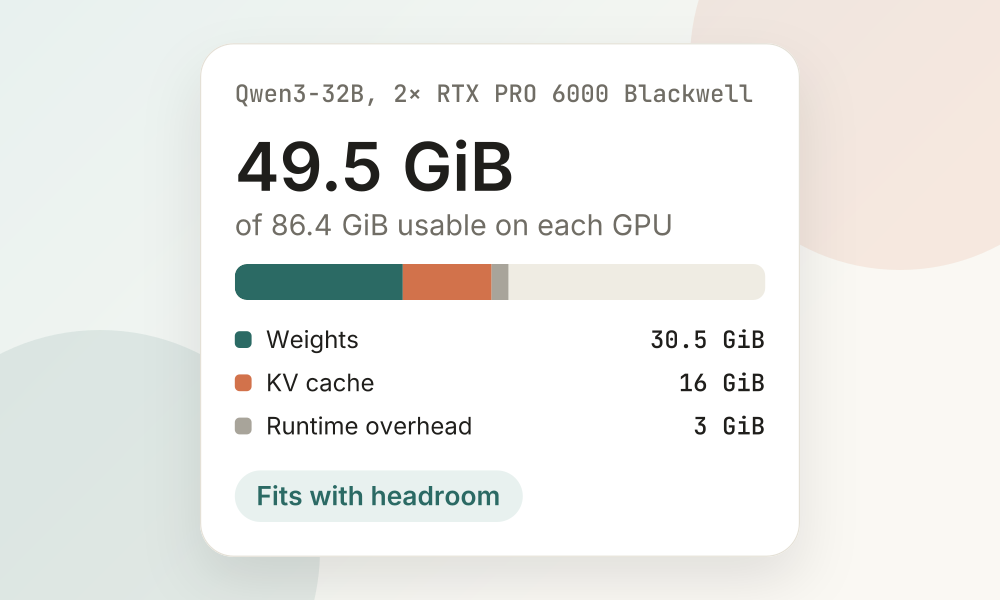
Model memory and GPU fit
How much memory does this model need, and does it fit on these GPUs?
Size a model, a context and a GPU setup before you download or buy anything.
- You enter
- Model size, Precision, Context length, Concurrency, GPU, GPU count, Deployment layout, Usable memory, Runtime overhead
- You get
- Raw weight size, Weights in memory, KV cache, Total memory, Fit status, Remaining memory, Utilization, Minimum GPU count
- You can
- Save the configuration and share it as a link
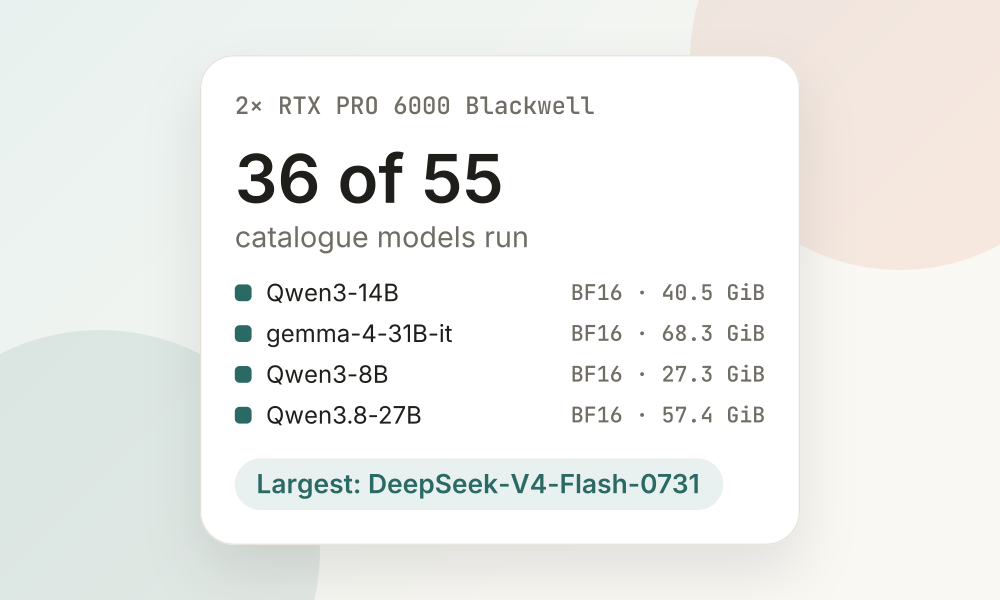
What runs on my GPU
Which models can I run on this GPU or GPU setup?
Start from the hardware you have, discover popular and trending models that fit it, then size the one you like in detail.
- You enter
- GPU, GPU count, Context length, Concurrency, Usable memory
- You get
- Models that fit, Fit status, Remaining memory
- You can
- Save the configuration and share it as a link
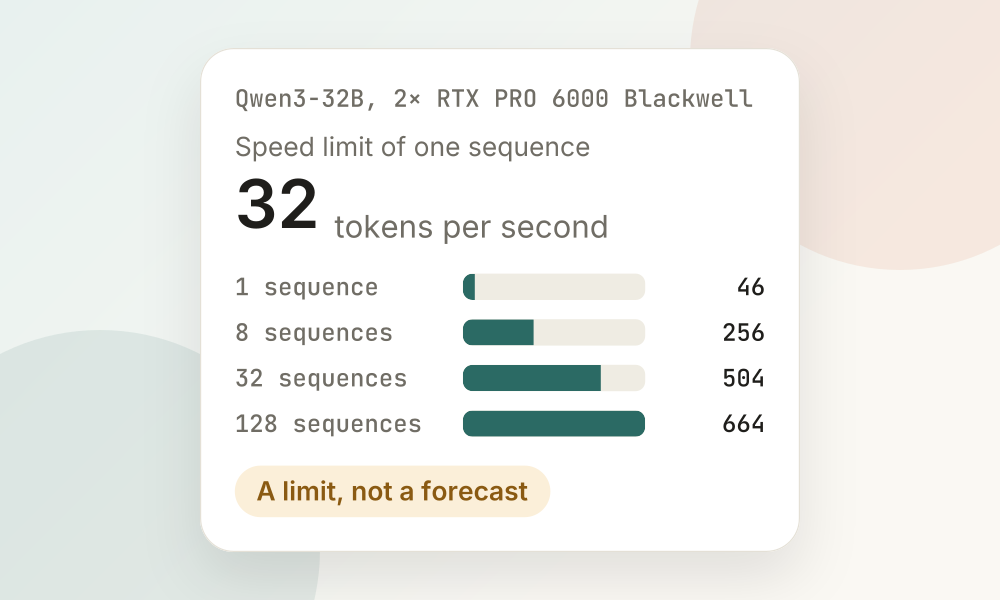
Memory bandwidth and speed limits
How fast can this model possibly decode on this GPU?
See why memory bandwidth, not compute, limits LLM decoding, compare GPUs for the same setup, and read a measurement against its limit.
- You enter
- Model size, Precision, Context length, Concurrency, GPU, GPU count, Deployment layout, Measured time per token
- You get
- Weight read time, Shortest decode step, Speed limits, Break-even batch, GPU comparison
- You can
- Save the configuration and share it as a link
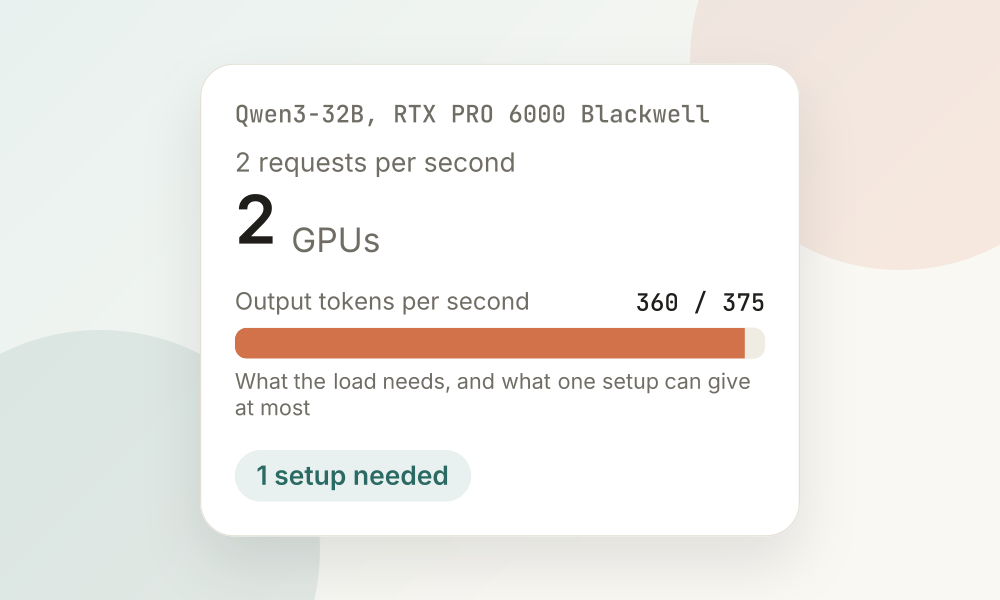
Inference capacity
How many GPUs does this load take?
Turn requests per second and token counts into the tokens per second you must serve, see what the hardware can at most do, and plan from throughput you measured.
- You enter
- Model size, Precision, Context length, Concurrency, GPU, GPU count, Deployment layout, Load: requests, tokens in and out, Measured throughput
- You get
- Required token capacity, Requests per second and minute, Estimated GPU count, Requests in flight, Prefill and decode split
- You can
- Save the configuration and share it as a link